The complete map of AIsuru connectors: 35 ways (and more) to connect an agent to real systems, without ever running a single key
There's a part of our work we talk about far too little.
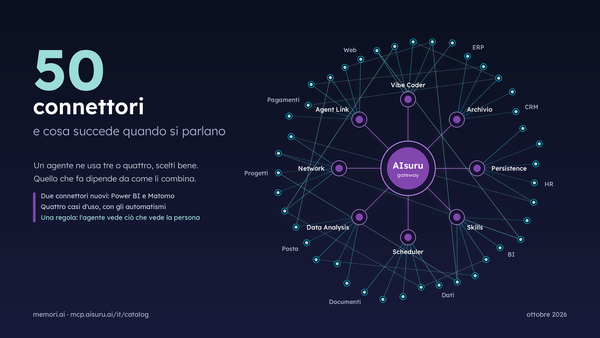
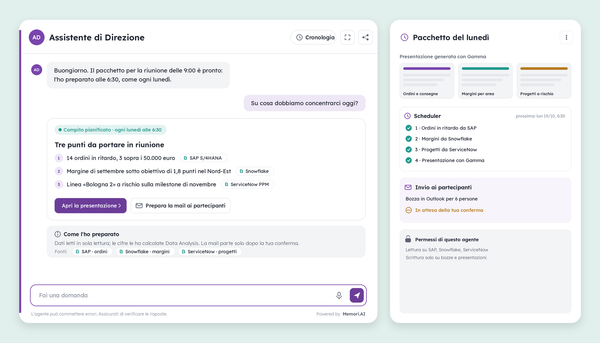
We often tell the story of individual connectors, one at a time, as they're born. But the real value isn't in the single piece: it's in the whole catalog, and in what happens when the pieces work together. This morning at 6am, for instance, an agent crossed five company systems without waking anyone up: the scheduler opened its session, it read a shared mailbox, retrieved a price list from SharePoint, calculated variances on real data, updated the CRM, and sent out the summary. Seven steps, five systems, and across the entire chain no one ever saw a credential: not the user, not the model.
This article is the complete map. Every connector in the AIsuru catalog, 35 as of today, told one by one, with examples and with the rules that apply to all of them. It's long, and that's on purpose: it's the document to hand to IT, to the process owner, and to anyone who asks "but does it talk to our systems?"
Before the list: the three rules that apply to the whole catalog
Credentials never pass through the model. Whichever connector you activate, the secrets (tokens, certificates, connection strings) stay encrypted in the platform's gateway and are used only at execution time, server-side. The language model receives the result of an action, never the key to perform it. It's the principle we described in the article on the MCP Gateway: giving agents power without giving the LLM the keys.
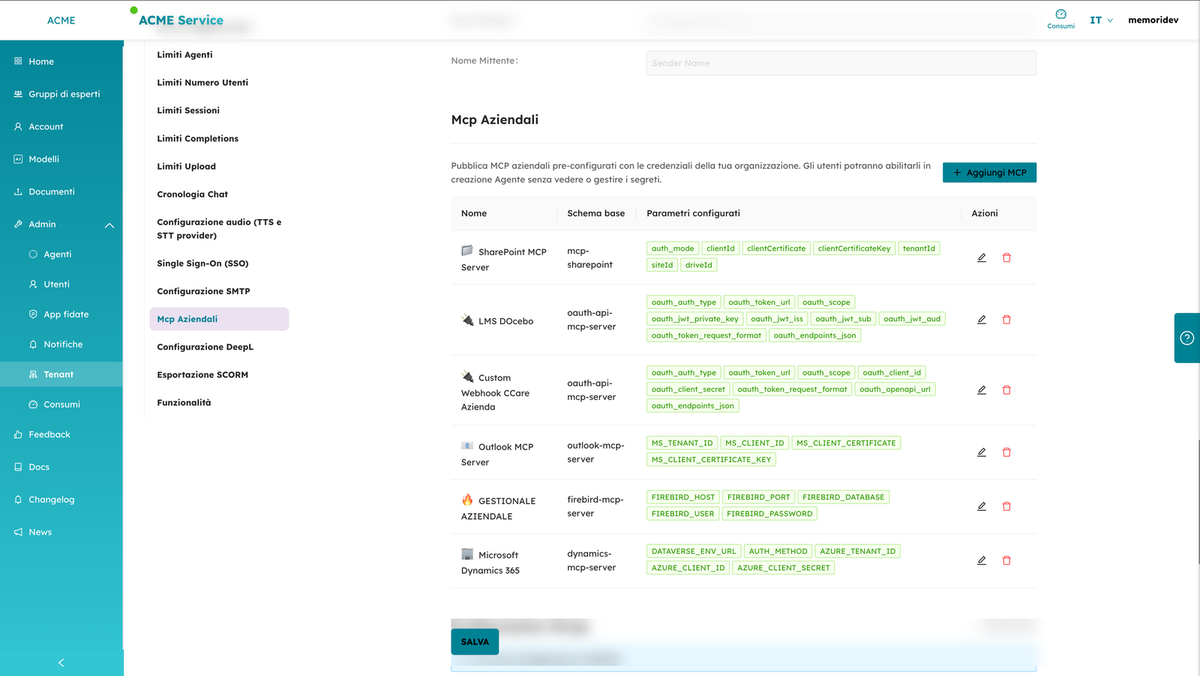
Configuration happens once, for the whole organization. With Enterprise MCPs, the administrator publishes a connector with the company's credentials; from that moment on, anyone can enable it on their own agents with a switch, without ever seeing a secret. Revocation is immediate and global: change one key in one place and it applies everywhere. Capability without credentials, for the entire organization.
Where identity matters, identity is individual. Some connectors work with each person's own account: the agent sees only what that user can see and acts with their permissions, without bypassing them. We'll flag this connector by connector, because it's the difference between a corporate assistant and a master key.
Now, the map.
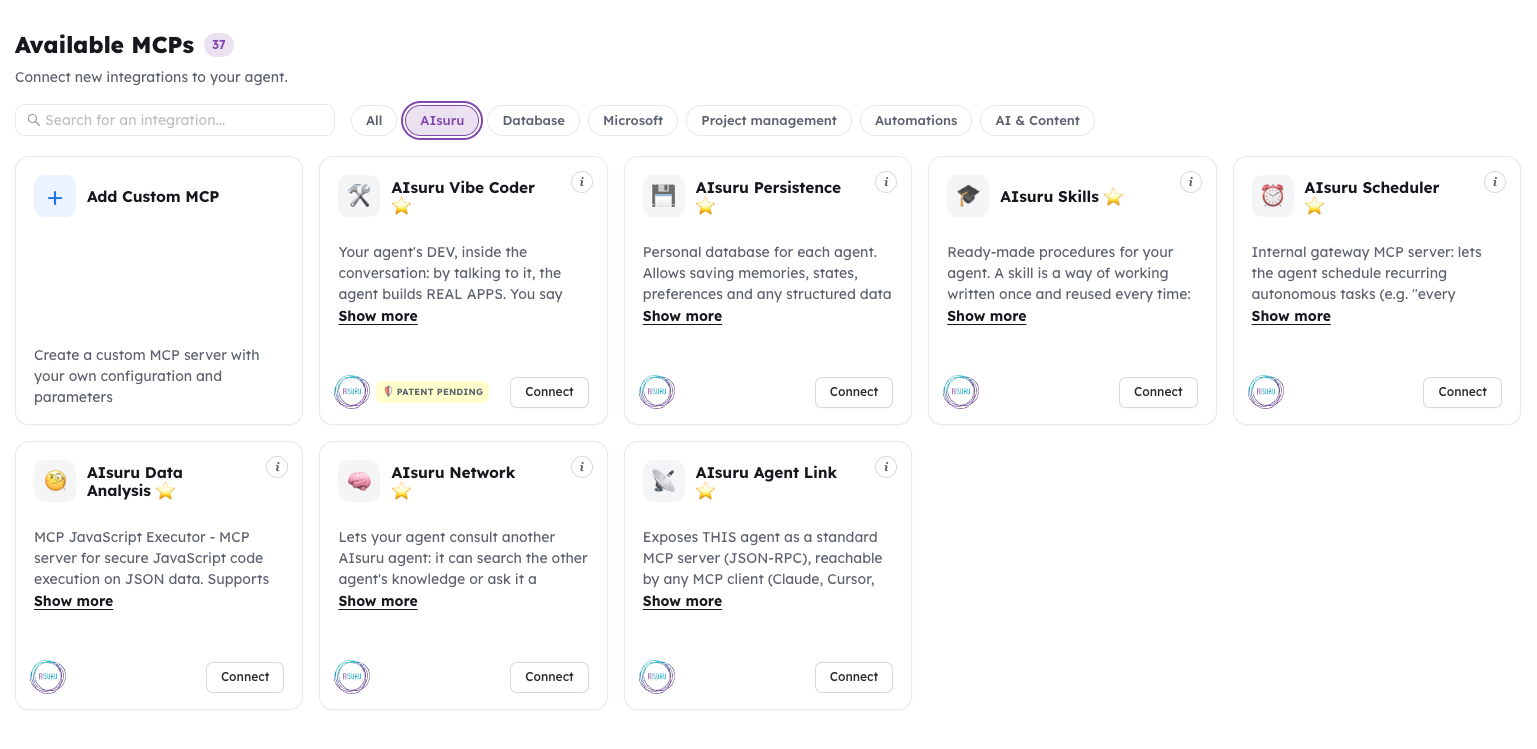
The original AIsuru Suite: the six connectors that turn an agent that answers into an agent that works
These are the six proprietary connectors whose numbers and use cases we told in the article on the Suite. Here we sum up their role within the catalog.
AIsuru Vibe Coder
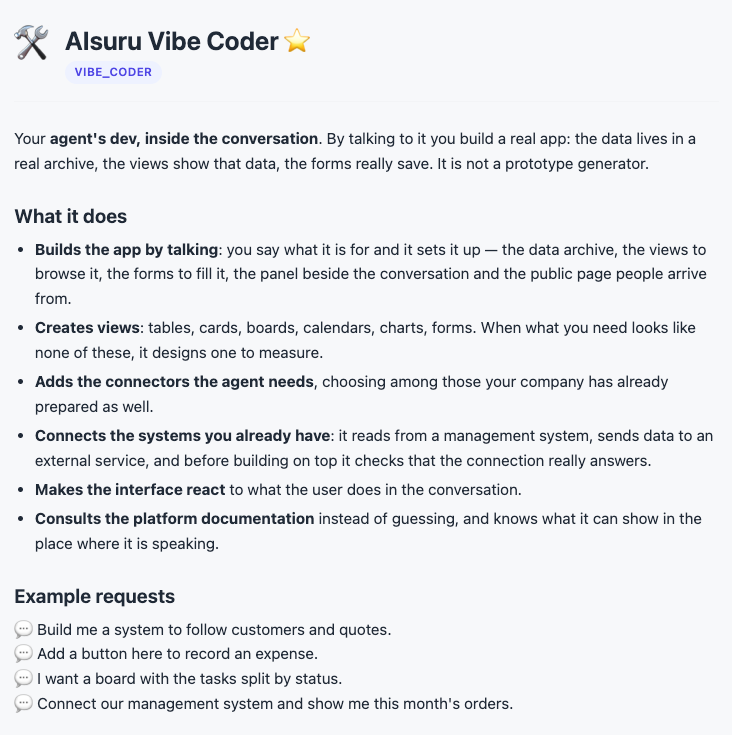
is the agent's own developer, inside the conversation: by talking to it, the agent builds real applications. It guides the owner through an onboarding with security and data-visibility rules before laying the first brick, activates on its own the connectors the project needs (memory for data, the scheduler for automations, the MCP catalog including the tenant's enterprise connectors), creates views and forms with real per-user data, opens the application panel next to the chat even on mobile, publishes layouts with auto-start, and can use web search. It manages the agent's functions, content, and prompt with preview and undo, and recognizes the channel it's speaking on.
The rule governing it is what we call RULE ZERO: never fake data. Every step produces real, tracked, reversible infrastructure, and actions that modify the agent are reserved for the owner. The full story is here.
AIsuru Persistence
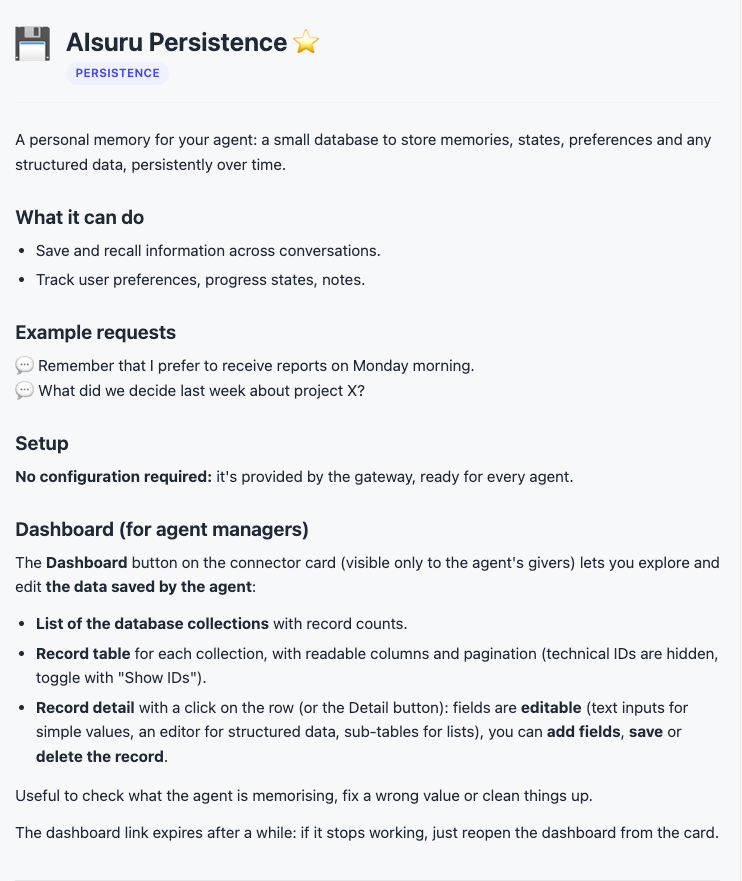
is every agent's personal database: memories, states, preferences, and any structured data, saved persistently in an archive that's created automatically with the agent and stays isolated from others. It's the memory that survives the conversation: the sales agent's customer log, the project manager's task states, the helpdesk's user preferences.
AIsuru Scheduler
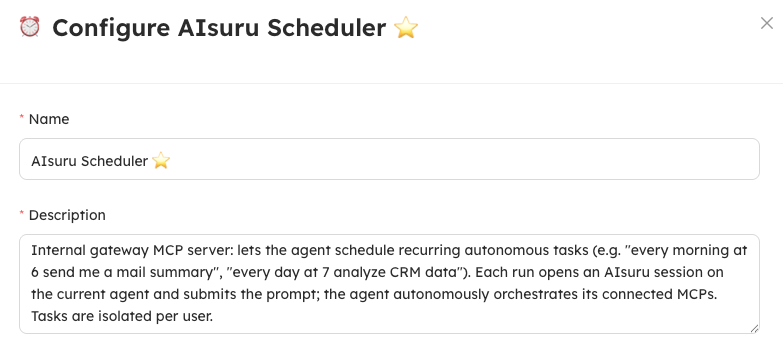
is initiative: the scheduler agent opens a session on the agent on its own, at set times, and hands it a task ("every morning at 6 send me an email summary", "every day at 7 analyze the CRM data"). At that point the agent autonomously orchestrates all its own connectors, exactly as it would in a conversation with a human. Tasks are isolated per user: my alarm doesn't ring at your place.
AIsuru Data Analysis
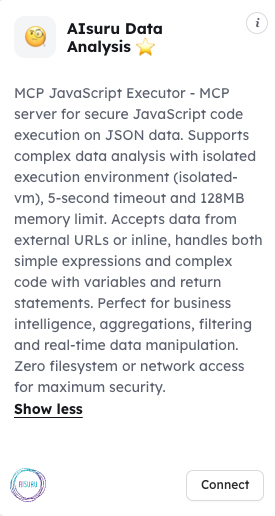
is calculation that doesn't make things up: it runs JavaScript code on JSON data in an isolated sandbox, with a five-second timeout, a memory limit, and zero network or filesystem access. It accepts inline data or data from external URLs, and it's used for aggregations, filters, business intelligence, and any calculation where "roughly" isn't an acceptable answer. The model reports the result of the calculation; it doesn't imagine it.
AIsuru Network
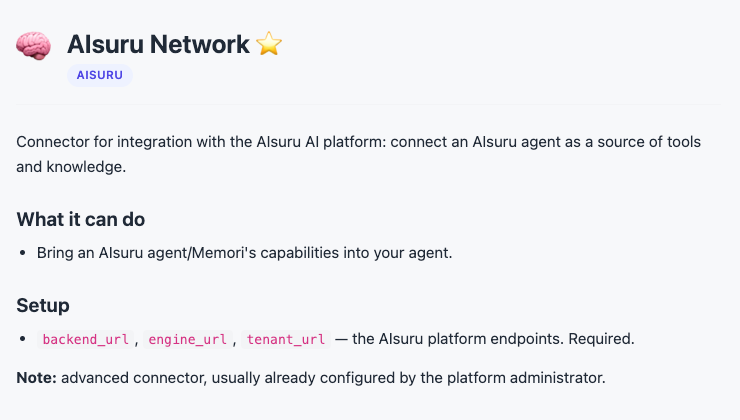
lets agents talk to each other: an agent can consult another AIsuru agent, search its knowledge or ask it a question and report back the answer. It's the building block of multi-agent architectures: the confidential knowledge that only another AI can query, the single-language master knowledge base that feeds agents across every market.
AIsuru Agent Link
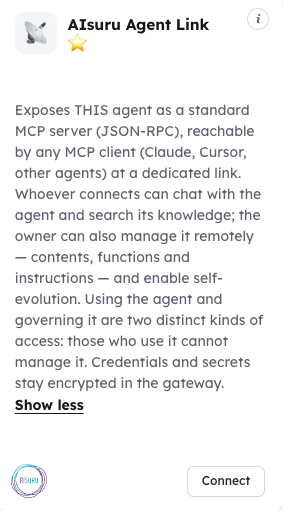
reverses the perspective: it exposes the agent itself as a standard MCP server, reachable from any client (Claude, Cursor, other agents) at a dedicated link. Consumers can chat with the agent and search its knowledge; the owner, with a separate token, can manage its content, functions, and instructions. The line that matters is this: a consumer can never manage. And secrets, as always, stay encrypted in the gateway.
The Microsoft ecosystem: seven connectors, from email to Copilot
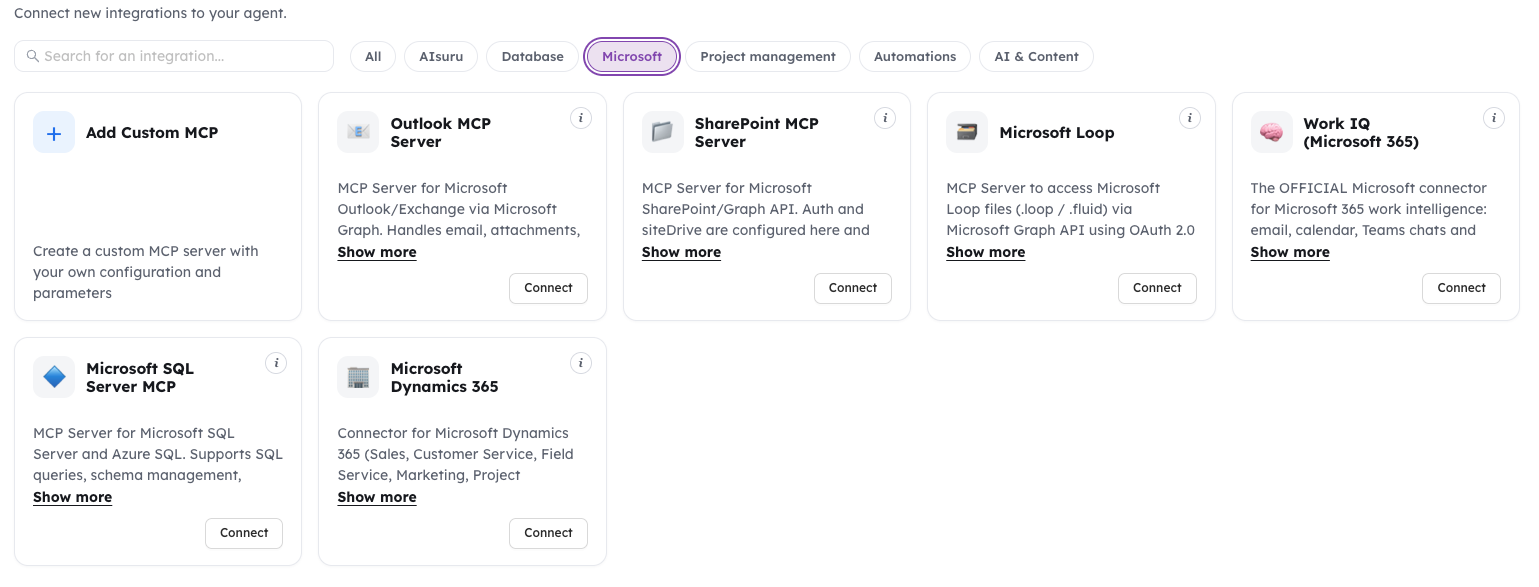
Outlook MCP Server
manages email, attachments, calendars, appointments, and — the detail office managers appreciate most — cross-checked availability of colleagues and meeting rooms. Authentication is interactive OAuth per individual user, with tokens encrypted at rest: the agent reads the mail of whoever is asking, not some undifferentiated archive. Practical example: "find me an hour next week when I, the technical director, and the big meeting room are all free, and send the invites."
SharePoint MCP Server
is the gateway to company documents: it searches, reads, and returns files from SharePoint sites via Microsoft Graph, with application authentication configured once by IT. One technical touch that makes a difference in pipelines: tools that return documents are enriched with a time-limited signed link to the original file, so another connector (data analysis, for example) can work on the real binary without re-reading the entire content through the model.
Microsoft Dynamics 365
covers Sales, Customer Service, Field Service, Marketing, Project Operations, and any Power App built on Dataverse: reading and writing accounts, contacts, leads, opportunities, and tickets, querying via OData or FetchXML, exploring the schema. Authentication is application-based via Entra ID, and the effective permissions are those of the security role assigned to the app in the Dataverse environment: the agent can do exactly what IT decided, nothing more.
Microsoft Loop
gives access to Loop collaborative files via the Graph API, with credentials that, as always, never pass through the model.
Work IQ (Microsoft 365)
is Microsoft's official connector for workplace intelligence: email, calendar, chat and Teams channels, documents, people, and insights, plus direct invocation of Microsoft 365 Copilot. Each user signs in with their own company account and the agent sees only what that user can see. It requires an Azure App Registration with delegated permission and a Copilot license for users: it's the bridge between AIsuru agents and the Microsoft investment many companies have already made.
Word MCP Server
creates, reads, and edits real Word files: revisions with track changes, comments, footnotes, tables, images, headers, with direct manipulation of the native format. It works on files in the gateway's workspace and combines with SharePoint to read and write to company repositories. Example: the quality agent that receives a draft procedure, reviews it with track changes, and re-uploads it where it found it.
Excel MCP Server
does the same for spreadsheets: cells, formulas, charts, pivot tables, formatting. It's the connector that turns "I'll prepare the report for you" from a promise into a real .xlsx file, with the formulas inside.
Google Workspace: the other half of the sky
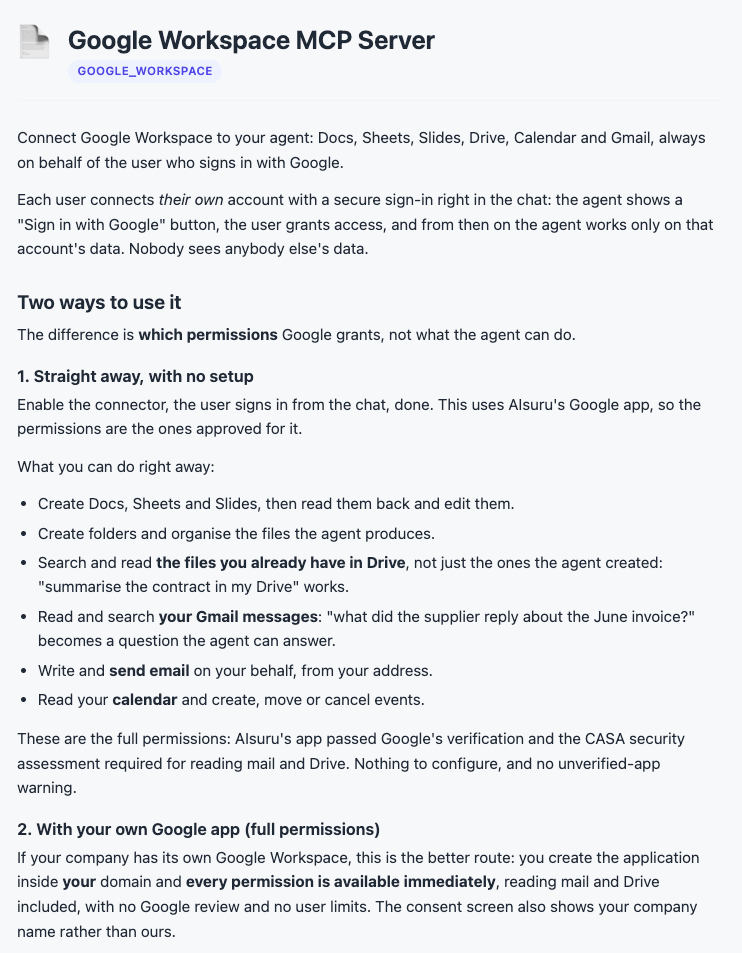
Google Workspace MCP Server
covers Docs, Sheets, Slides, Drive, Calendar, and Gmail. For organizations that live on Google, it's the equivalent of the Microsoft block: documents, calendars, and mail reachable by the agent, with the same rule as always on credentials. Mixed companies, with half their teams on one ecosystem and half on the other, can give each agent the right connector for its audience.
Databases: five families, including the ERP no one wants to touch
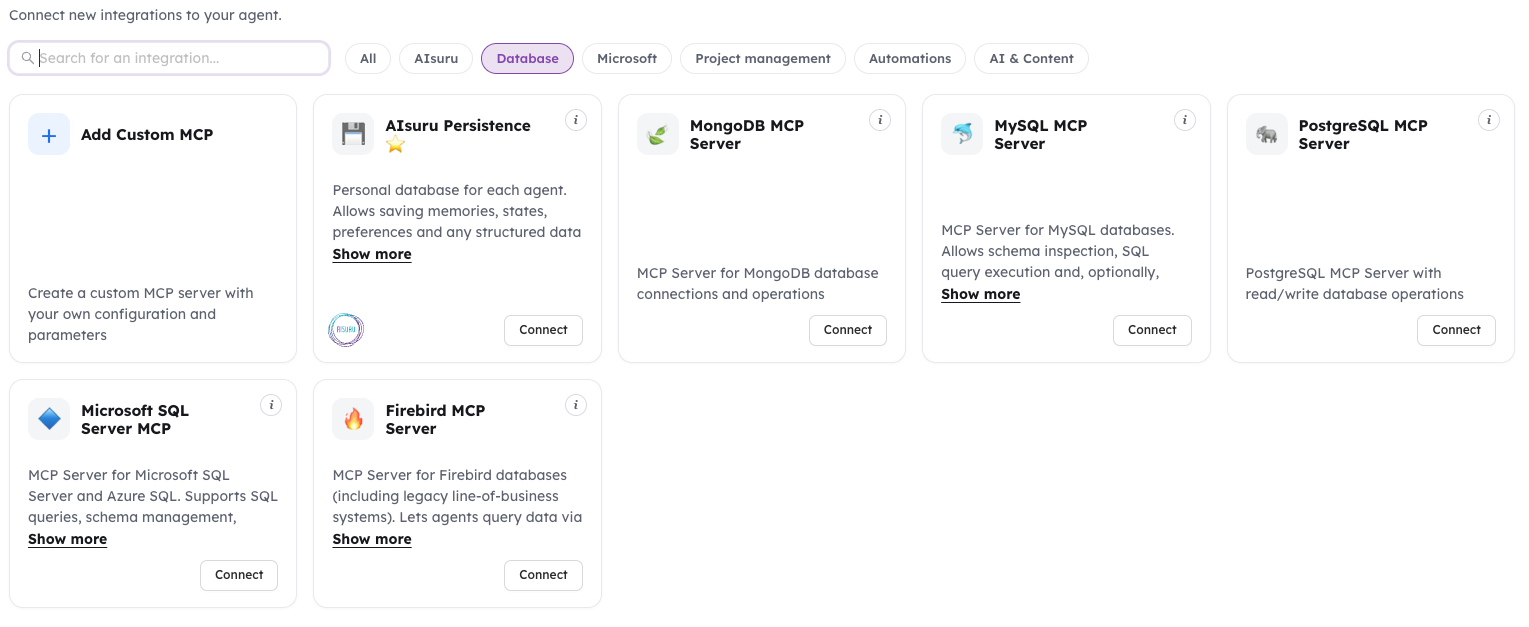
PostgreSQL MCP Server and MySQL MCP Server
let agents inspect the schema and run queries, with write operations enabled only if explicitly decided; the MySQL connector adds connection pooling, caching, rate limiting, and SSL. MongoDB MCP Server does the same for the document-database world. Microsoft SQL Server MCP covers SQL Server and Azure SQL with queries, schema management, and enterprise security requirements.
And then there's the connector we're most fond of:
Firebird MCP Server
for the legacy management systems that hold twenty years of company data and that no one dares touch. It connects with the native protocol, no ODBC, and the recommended setup is a read-only user on dedicated views: the agent can answer "give me the top ten customers by revenue for the quarter, and tell me who has pending orders" by translating the question into SQL on the allowed views, without being able to alter a single byte. It's a way of giving a voice to an information asset that, until now, only spoke to whoever knew the record layout.
Project management: four ways to bring the agent into the team
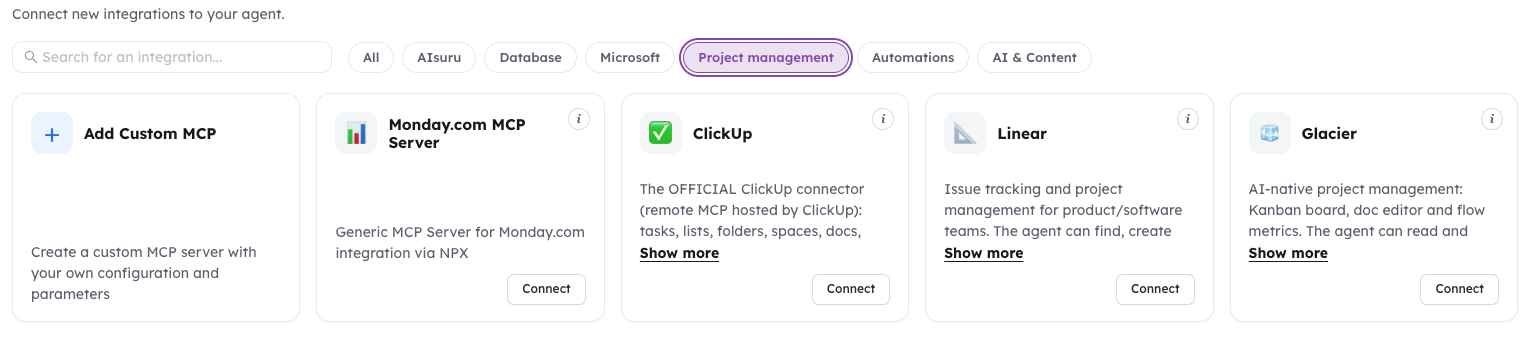
ClickUp
is the official connector, hosted by ClickUp itself: tasks, lists, folders, spaces, docs, comments, chat, and time tracking. Every user connects with their own account via OAuth and the agent operates with their permissions, seeing only what that user sees. A design detail we appreciate: for security, ClickUp doesn't expose deletion tools. The agent can create and update, not destroy.
Linear
brings the agent into product teams' issue tracking: searching, creating, and updating issues, projects, cycles, and comments, like an extra teammate who never loses track of the backlog.
Monday.com
connects Monday's work boards, for teams that organize their processes and sales pipelines there.
Glacier
is project management designed AI-native: a Kanban board, a document editor, and flow metrics, where the agent reads and writes projects, cards, documents, and comments, and can propose changes, like a team member who suggests and waits for approval.
Automation and platforms: when the agent commands the machines
n8n Workflow Server and Zapier MCP Server
expose to the agent the real tools of workflows the company has already built: automations that today start with a click or a trigger can now start with a sentence, inside a governed conversation.
Cloudflare MCP Server
is the official Cloudflare connector, and for technical teams it's a small world of its own: Workers to create, deploy, and delete, KV, R2, and D1 storage, queues, cron, zones, secrets, and analytics. We covered its scope when it launched: dozens of infrastructure operations manageable in natural language, within the same tracking rules as everything else.
CRM and sales: three connectors and one rule of honesty
Salesforce MCP Server
gives access to data and features of the world's most widely used CRM, with application authentication managed by the gateway.
TeamSystem's CRM in Cloud
talks to our own home-grown sales management system: it searches companies, creates opportunities and quotes with line items pulled from the product catalog, and updates statuses. And it has a feature that describes our idea of reliability better than any slogan: every write is re-read and verified, and if the CRM silently drops a field, the connector flags it to the agent instead of declaring full success. An agent that says "done" needs to be able to prove it.
Stripe
closes the money loop: the agent can report on revenue, subscriptions, and unpaid invoices, and, if enabled, sell access to itself, with subscriptions, free trials, and payment links. Who has the right to use the reserved functions is decided by the gateway based on the verified identity of whoever is chatting, not on what the user claims to be. An agent that sells itself and doesn't trust introductions: seems like a good summary of the whole catalog.
Content and knowledge: the agent's own editorial team
Ghost CMS
lets the agent manage a professional blog: posts, pages, tags, members, and settings, from draft to publication.
Fetch Url
retrieves the content of any link and converts it to text, HTML, JSON, or markdown: it's the tool the agent uses to read the web when a precise source is needed.
Wikipedia
gives direct access to the encyclopedia, for general-context questions where a verifiable base is needed.
Free Image Generator
adds image, text, and audio generation via pollinations.ai, with a free token: useful for visual drafts and working content, within the limits of the free tiers.
Financial markets: the connector with the warning written in big letters
Bybit Trading
is the exchange's official MCP server: real-time market data (ticker, order book, trends, funding) even without credentials, plus account, asset, position, and order management for those who configure their own API keys. It supports testnet for practicing without real funds, and it carries the warning we're happy to repeat: orders executed with real credentials move real money. It's the connector we also use to make a serious point: power without boundaries isn't a feature, it's a risk. Boundaries and permissions, here, are not optional.
The thirty-sixth connector is yours
The catalog ends with the entry that makes it infinite.
The OAuth / API Connector is the universal connector: you describe one or more endpoints of any HTTP API (method, URL, parameters) and the gateway exposes them as tools to the agent, handling authentication in every variant companies actually use, from static tokens to OAuth2 with automatic retrieval and refresh. Custom ERPs, catalogs, training platforms, internal webhooks: if it exposes an API, it can become a tool for your agent. We described how it works in the article on the Universal Connector. And for those who want to go further, the console lets you add an entire custom MCP server, with its own configuration and parameters.
Pipelines: where the catalog becomes an advantage
A deep catalog isn't there to collect logos: it's there to build pipelines that cross systems. Three examples of how connectors combine.
The sales morning.
Scheduler opens the session at 6am; Outlook reads the shared orders inbox; SharePoint provides the updated price list with the signed link to the file; Data Analysis calculates the variances on the real file; Dynamics 365 (or the TeamSystem CRM) logs the opportunities; Excel prepares the summary; Outlook sends it to the manager. No human before coffee, no credential outside the gateway.
The HR helpdesk
SharePoint holds the regulations and policies; the universal connector links the training platform; Persistence keeps track of recurring requests; the employee asks "how many days of leave do I get for my move, and which mandatory course am I still missing" and gets an answer grounded in the real documents and the real course status. It's the example we detailed in the article on Enterprise MCPs, where the HR manager builds everything without knowing what a client secret is.
The project manager's Friday
Scheduler starts the check-in; ClickUp or Linear report task status with the person's own permissions; Data Analysis calculates progress and delays; Word lays out the report with revisions highlighted; the agent delivers it in chat and, via Agent Link, remains queryable by the coordinator who assembles the full picture across all projects.
These are genuinely multi-system pipelines, in production, built by combining pieces of the catalog. It's a different thing from having a generic orchestrator to be programmed, or a builder that churns out isolated agents: here connectors are born already inside the same rules (credentials encrypted in the gateway, individual identities where it matters, tracking, central revocation), so every new piece inherits the governance of all the others.
In summary
Thirty-five connectors ready, plus yours: the original Suite, the Microsoft and Google ecosystems, five database families including legacy ERPs, project management, automations, CRMs, content, payments, and markets. One single discipline for all of them: secrets live in the gateway and never pass through the model, configuration happens once for the whole organization, revocation is immediate, and where identity matters the agent works with the person's permissions, not in their place.
The model, through all of this, remains a replaceable component. The catalog and its rules are the infrastructure. And as we always say: the model comes and goes, the infrastructure stays.
Want to see one of these pipelines running on your own systems? Write to demo@memori.ai with the subject DEMO SUITE.